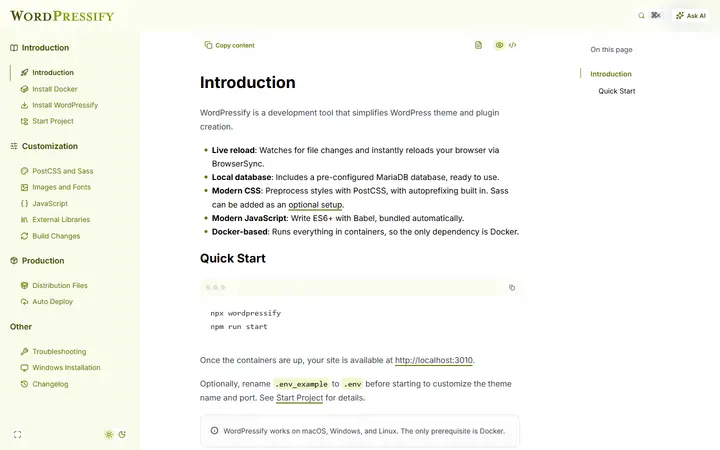
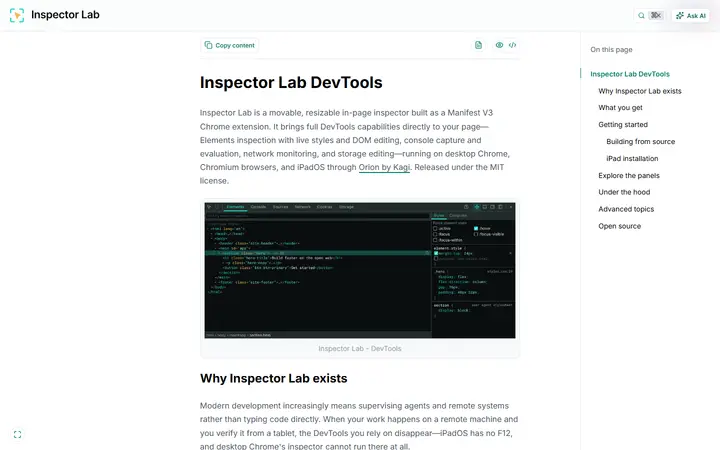
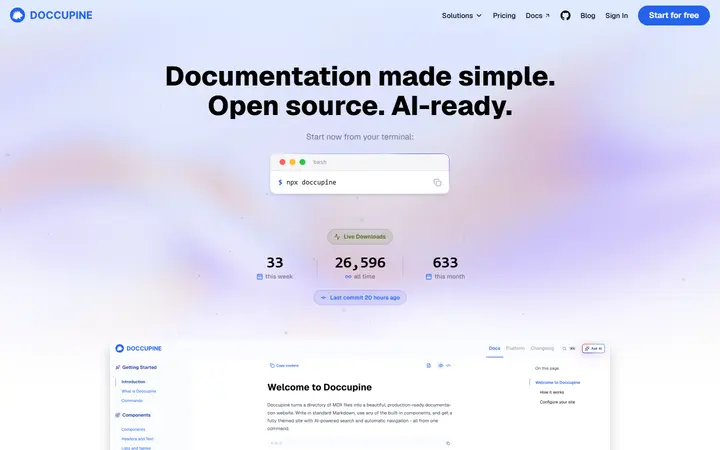
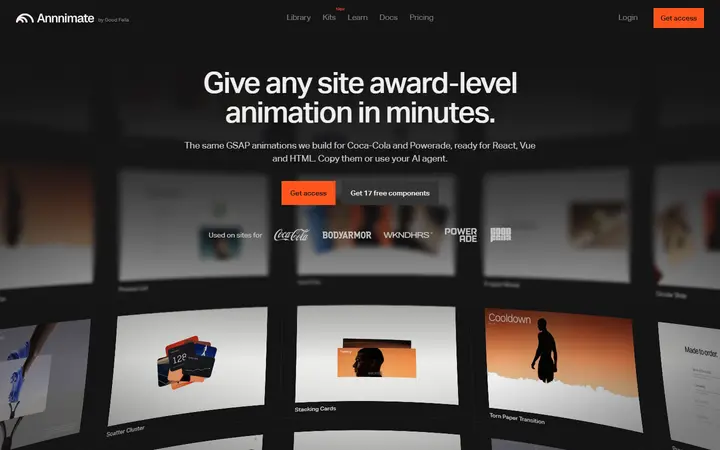
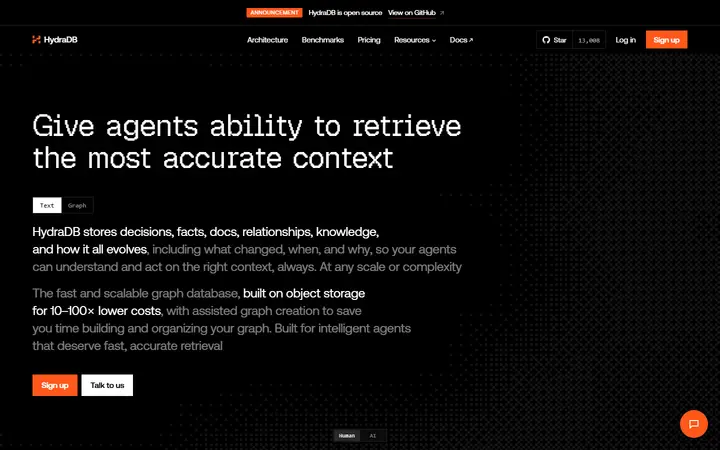
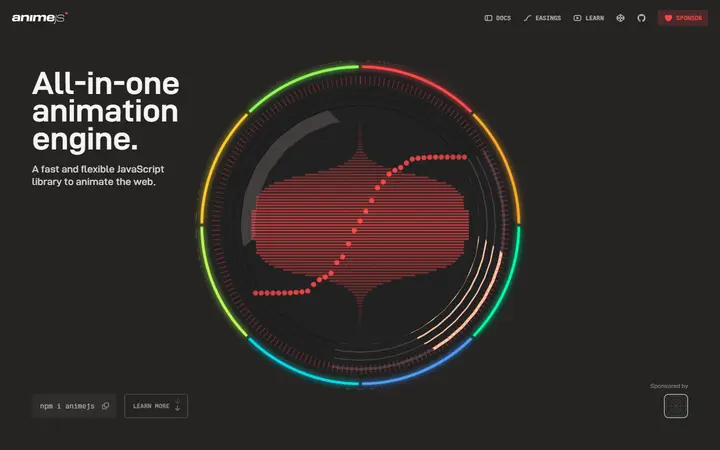
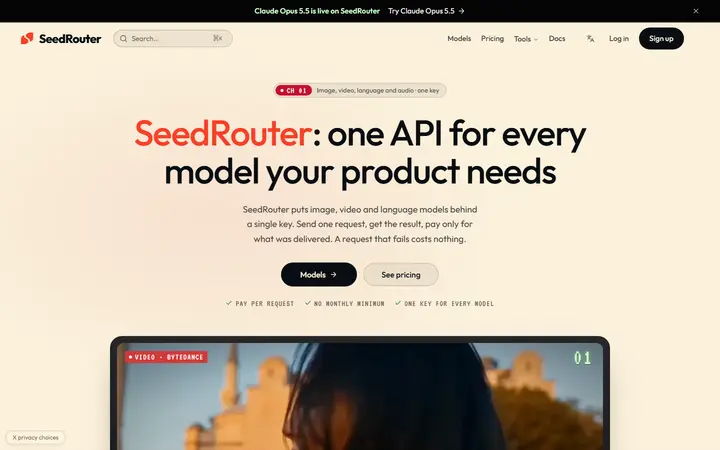
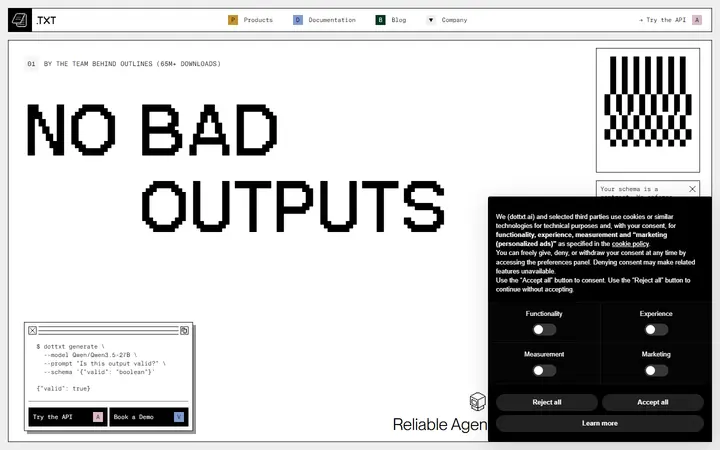
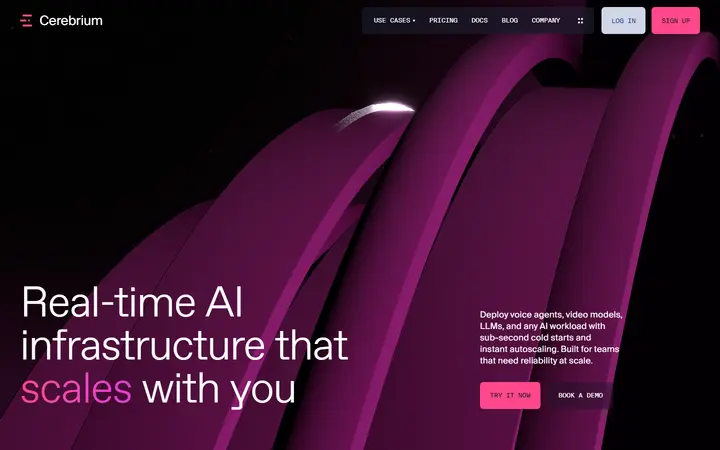
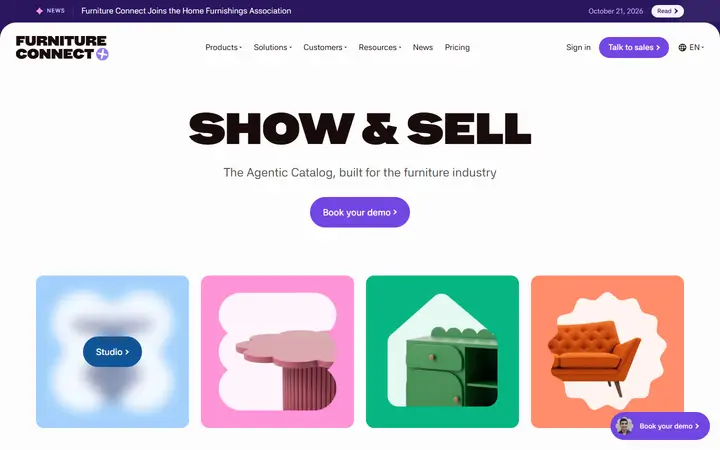
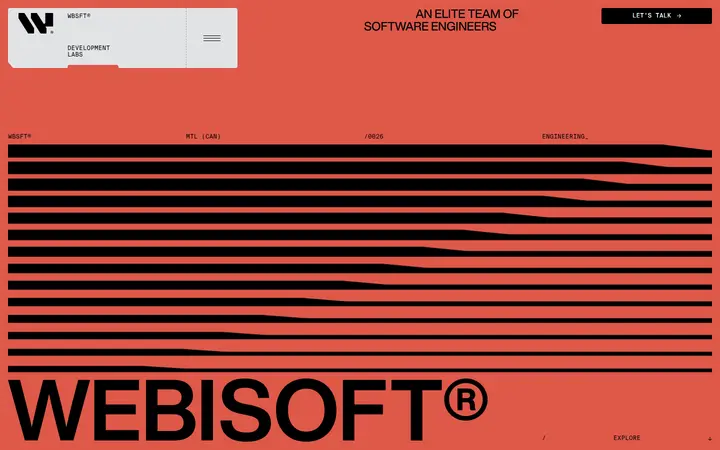
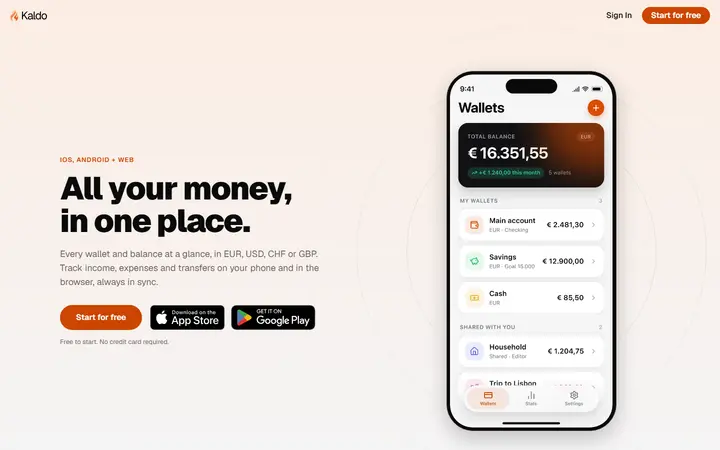
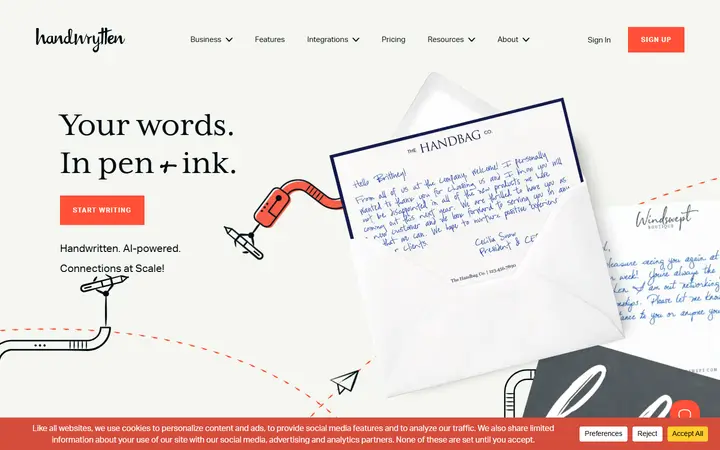
8 hand-checked developer tool website designs, including WordPressify, Inspector Lab and Doccupine. Each example links to the live site and shows its fonts, colours and the platform it's built on.
Covers tools and infrastructure for software developers: APIs, cloud, databases, DevOps. Curated by Jeppesen, a design and development studio for detail-driven businesses.
Want a developer tool website that belongs on this list?
Jeppesen designs brands and websites for detail-driven businesses whose work is better than their current presentation. One studio for strategy, identity, motion and a custom-built website, so the result looks as good as what you do.
Next.js is the most common platform here (5 of 8 sites), followed by Framer and Sanity. Sites without a recognisable platform are usually custom built.
Should a developer tool website have a light or dark design?
38% of the developer tool websites here open on a light background and 62% on a dark one. Both work: pick the one that suits your photography and brand, then use the other sparingly for contrast.
How were these developer tool websites chosen?
Each site comes from a design award gallery or a studio's published client work, was screenshotted from the live site, sorted into its niche and then checked by hand. Sites that are unfinished, parked or hidden behind popups are left out.
Yes. Jeppesen is a one-partner studio for strategy, visual identity, motion and custom-built websites, working with detail-driven businesses whose work is better than their current brand and website. Book a 30-minute call to talk about your project.